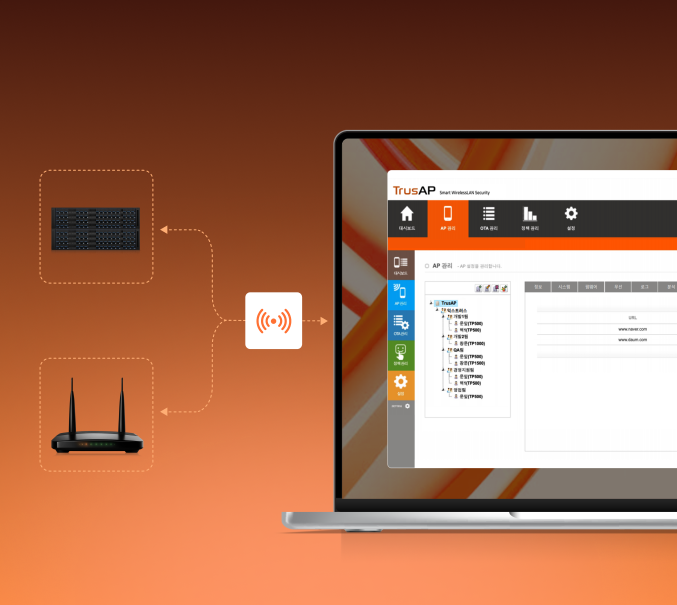
Exposed Input Data
- Malicious apps capture user input
- Sensitive data remains in memory
- Vulnerable to capture attacks


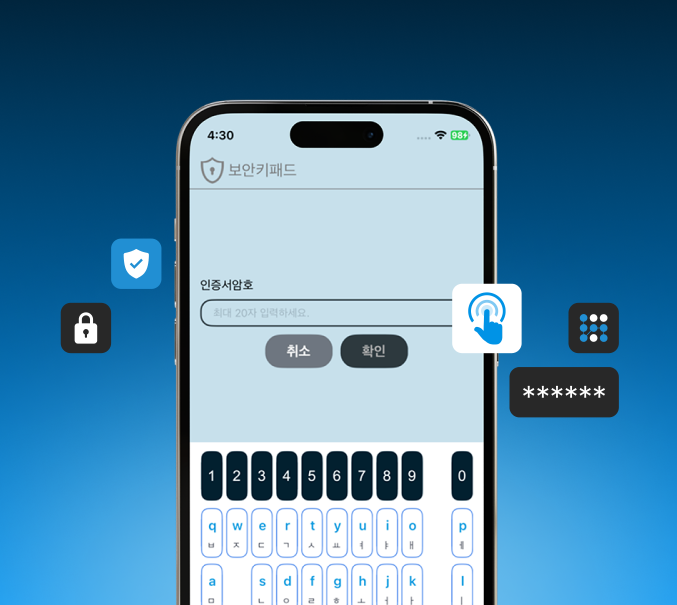
Protects sensitive inputs using RSA2048, EC-DSA, AES256, and other advanced encryption techniques.
Uses one-time Time-Stamps to block repeated or duplicated input attempts.
Prevents leakage of inputs stored in device memory.
Inserts dummy keys into virtual keypads to obscure real user inputs from potential keyloggers.
Randomizes keypad layout each time to prevent predictable key input patterns.

Protect input values and data using RSA, SEED256, and AES256 encryption algorithms.

Safeguard input character data and memory to prevent data leakage.

Monitor app, process, and network behavior to detect anomalies and alert users.
Protect passwords, PINs, and card numbers with a secure virtual keypad that prevents keystroke interception and data leakage.
Launch the KeySec virtual keypad instead of the default keyboard.
Encrypt every keystroke immediately, preventing unauthorized access.
Transmit encrypted data securely to the server over SSL/TLS connection.
Customize every aspect of the keypad to match your brand and user experience.
Customize colors, fonts, and button styles to match your brand guidelines.
Deliver a native-like typing experience in mobile web environments with HTML5-based optimization.
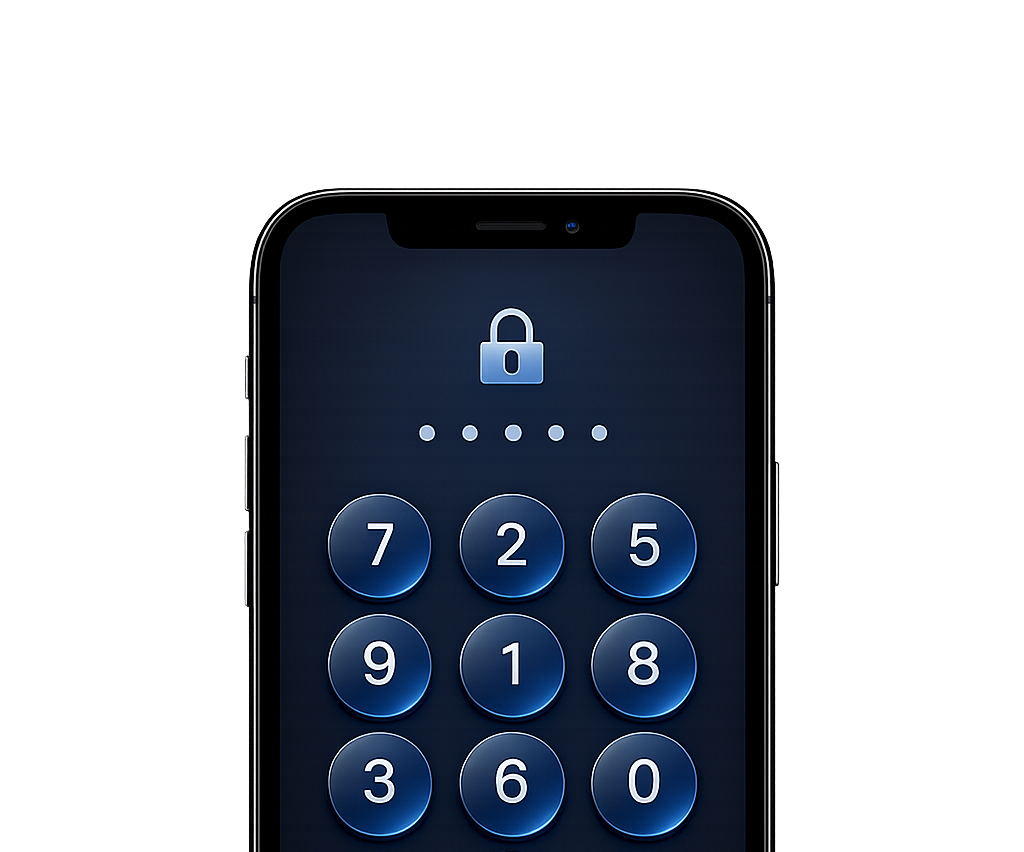
Automatically adapt the keypad layout for both portrait and landscape orientations.
Independently configure text, numeric, and special character keypads to fit your application needs.
Select the option that best fits your business needs.
Built for Fast-Growing Businesses
Get started quickly with minimal initial investment.
Continuously receive new feature updates.
Easily expand licenses and managed devices grow.
Simplify maintenance with minimal IT effort.
Stay compatible with the latest OS releases.
Built for Stable Operations and Long-Term Value
One-time purchase with long-term ownership.
No recurring subscription fees.
Reliable performance with proven software.
Deploy and operate within your own environment.
Greater return on investment over time.
KeySec brings powerful protection to the most vulnerable moment — when users type confidential data.
Secure sensitive healthcare data (e.g., patient IDs, history) using a virtual keypad, reducing risk of unauthorized access.