Features
Products
Use Cases
About Us
EN언어 선택 화살표
Features

Kiosk Mode

Limit device usage to specific apps or functions to prevent misuse. Ideal for digital kiosks or single-purpose public devices.intro visual

Secure Every Device. Anywhere. Anytime.

Single App Mode

Lock Devices into a Dedicated App Mode

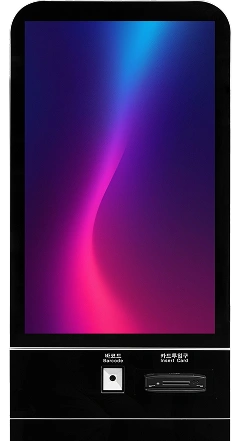
Designed for single-purpose devices such as self-service kiosks, logistics scanners, and medical terminals. Turn devices into single-purpose terminals by allowing only the designated app to run.

  • Auto-launch the assigned app at startup
  • Prevent app switching and service interruption
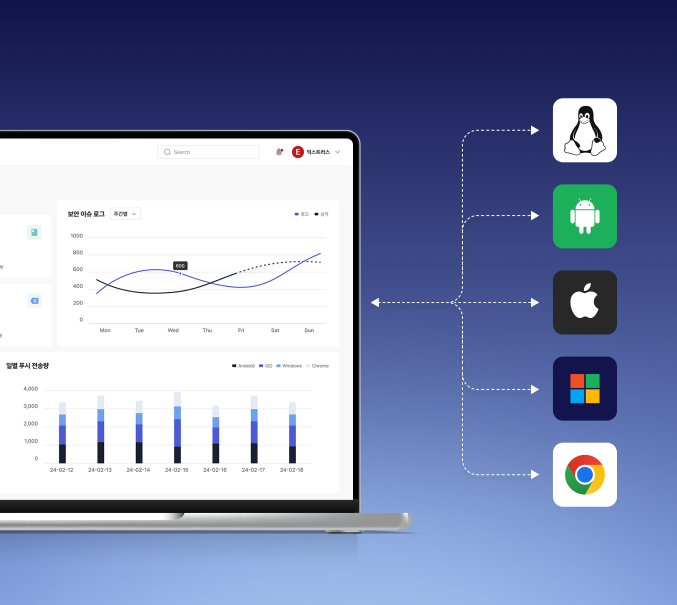
  • Support multiple operating systems
Disable Buttons

Lock Devices Inside the App Environment

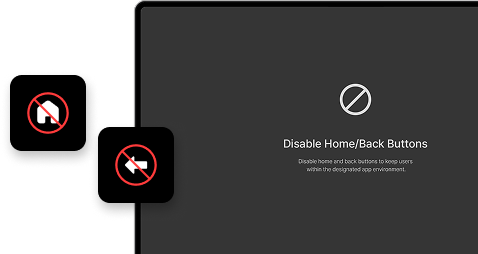
Home and Back buttons are the most common exit paths in Single App Mode. Disabling these two buttons at the software level completely blocks users from escaping the designated app environment.

  • Disable Home, Back, and Recent Apps buttons
  • Block notification bar and control center access
  • Unlock only with an admin PIN
Lock Devices Inside the App Environment
Pin Screen

Pin a specific app to the screen, Block switching/tampering to other apps

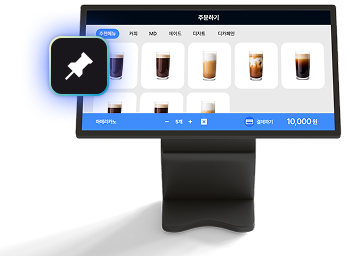
More flexible than Single App Mode, allowing you to select and pin one of multiple apps. Users can operate freely within the pinned app, but switching to other apps or accessing settings is blocked. This enforces Android's 'App Pinning' feature via MDM.

  • Free to use within the app, only switching is blocked
  • Can remote pin/unpin from the admin console
  • Simpler and faster setup compared to Single App Mode
Pin a specific app to the screen,
Block switching/tampering to other apps
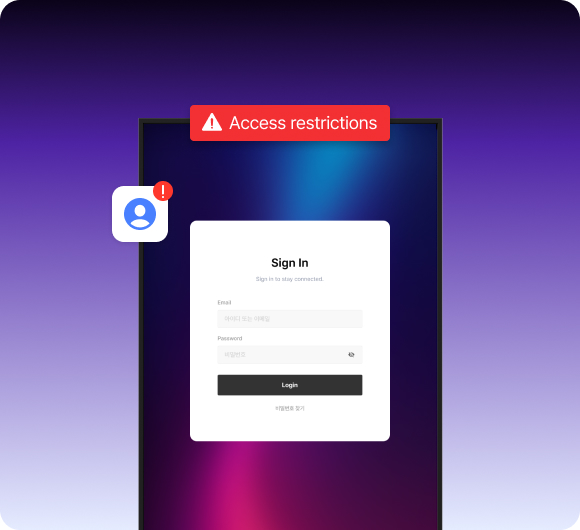
Restric Access

Lock Wi-Fi, account, and network settings

Prevents users from changing corporate Wi-Fi to personal hotspots, adding accounts, or disabling VPNs. Admin-deployed settings are fixed and unchangeable, requiring IT team intervention for any updates.

  • Block Wi-Fi, Bluetooth, and mobile data changes
  • Lock sensitive settings like personal accounts
  • Optionally open only specific allowed setting items
Single App Mode

Run Only What Matters. Stay Focused.

Enable Single App Mode to lock the device to a specific app. Prevent distractions, misuse, or unauthorized app switching for optimal productivity and safety

Single App Lock
No App Switching
Lock Orientation
Restrict Access to Settings

Control What Matters — Lock Down System Access.

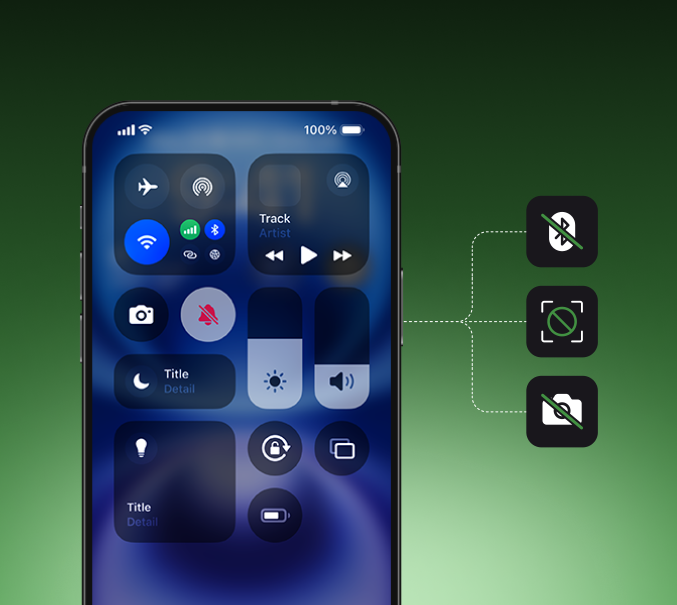
Prevent users from accessing device settings that can affect network, security, or account configurations. Ensure stable operations by disabling access to Wi-Fi, airplane mode, or system menus that should remain fixed. Perfect for business tablets, kiosk terminals, or school devices.

Feature visual

Know more Use Case?

Learn how our solution serves each field effectively.

Learn More About Exafe Series